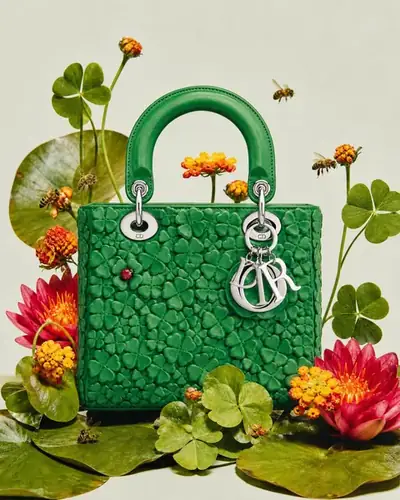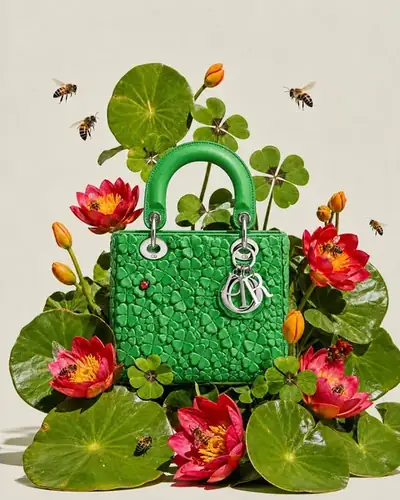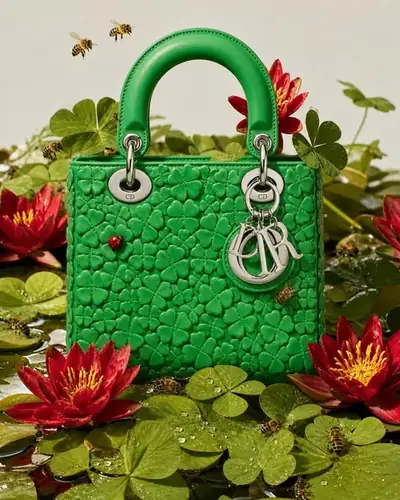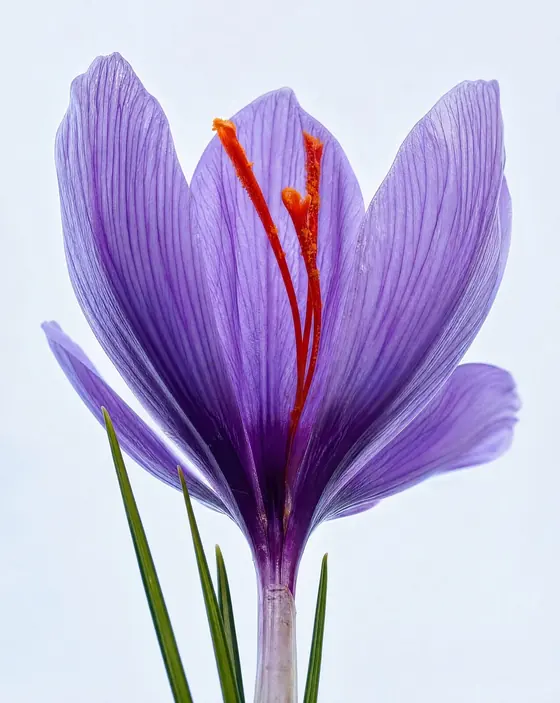















Access now

The Creative OS
for Brand Builders.

Your library, your studio, your edit suite. One app.

Your creative vision, without compromise

Hypra is your creative studio, ready to work: the images, the sets and the tools already in place. Five tools, one suite, for less a month than a freelancer charges for an hour.

See the plans

Five tools. One membership.

Find an image, make a new one,
fit it to your brand, set it in motion, cut the film.

Collection.
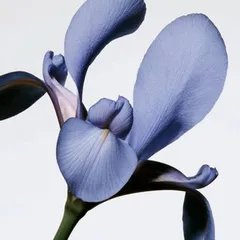
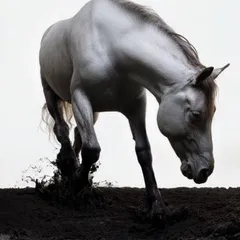
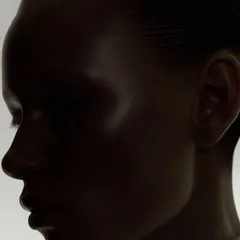
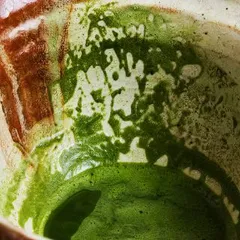
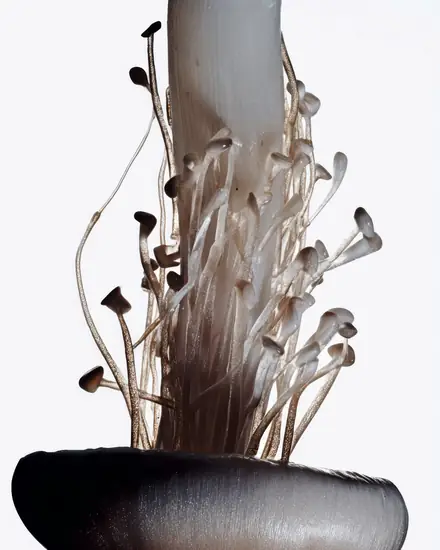
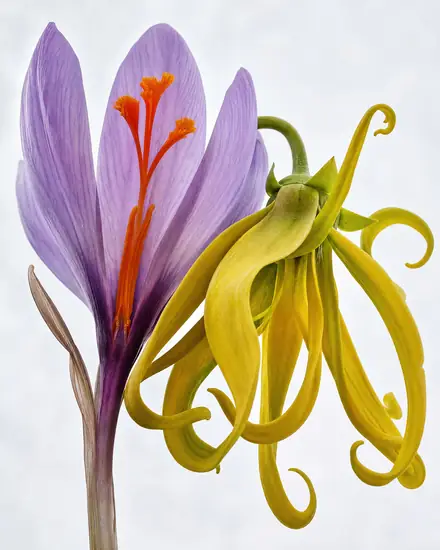
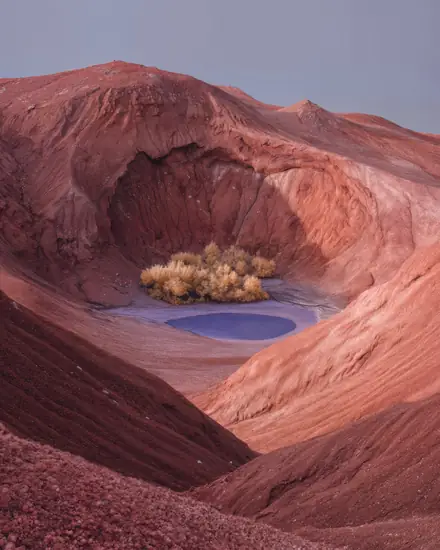
Thousands of curated images,
new series every week.

Vision.
Pick a Hypra series,
get new images in its style.

Motion.
Stills, set in motion.
Pick a template, export a loop.

Edition.
Recolor, reframe, extend and sharpen
any image.

Direction.
Video editing,
right in the app.

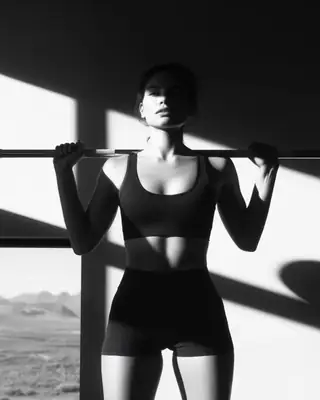
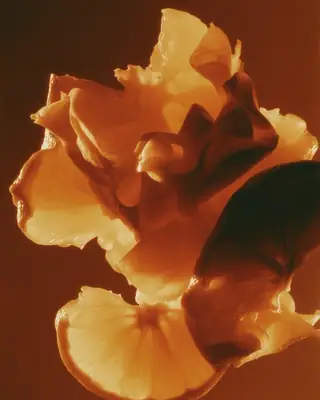
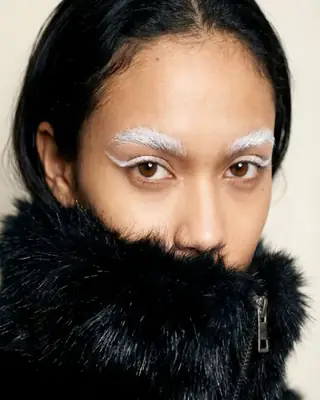
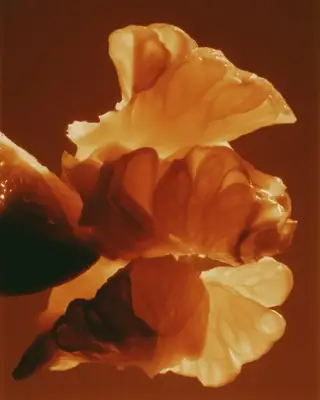
Collection

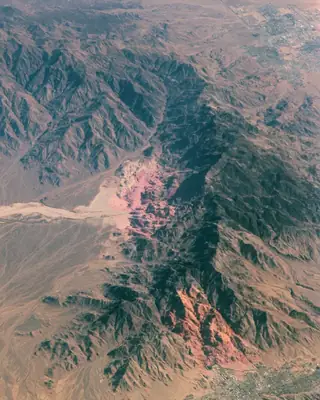
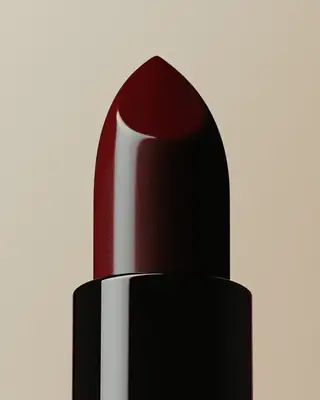
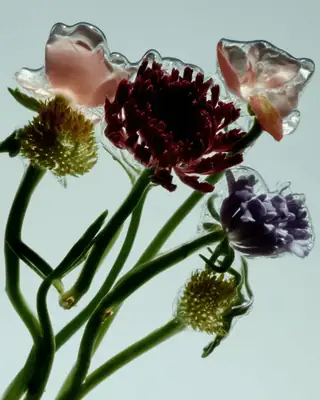
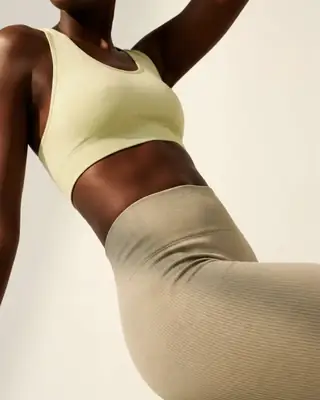
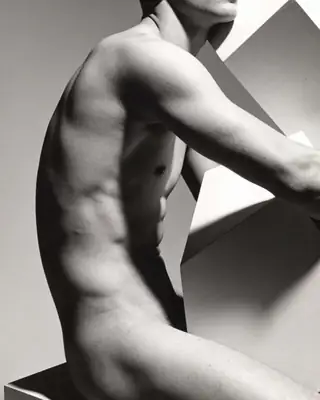
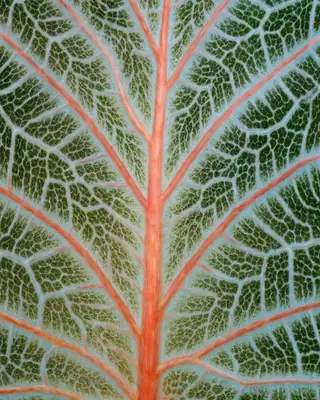
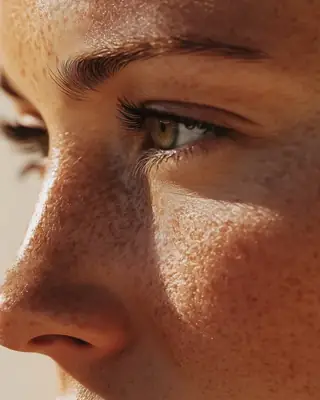
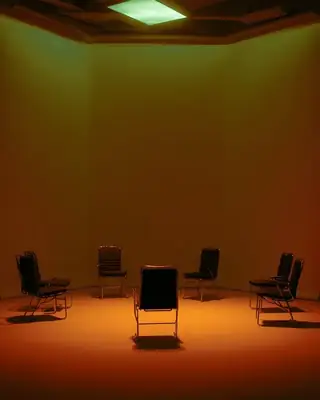
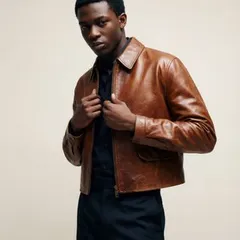
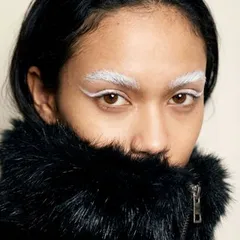
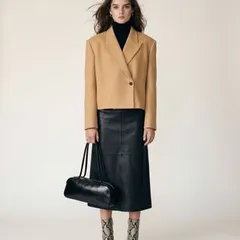
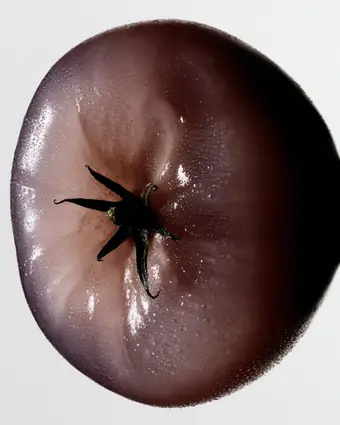
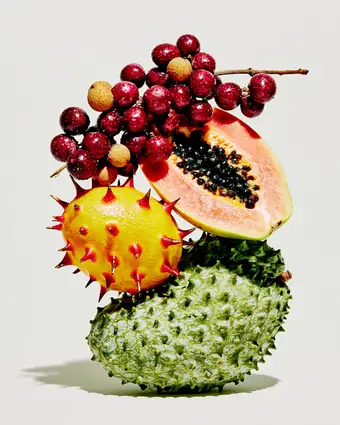
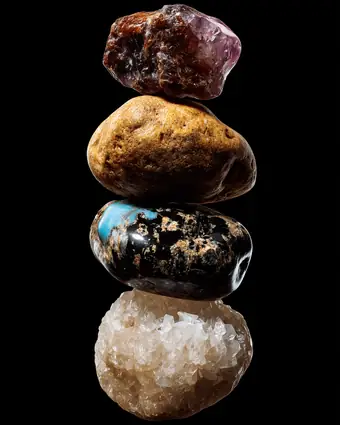
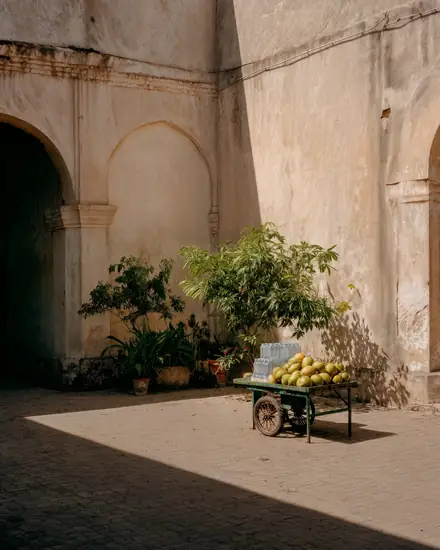
Thousands of images, ready to use.

Curated in series, downloaded in full resolution.

How it works
  • Series in rotation. Each series stays three to twelve months, so fewer brands share the same picture.
  • Search your way. In plain words, by exact color, or from an image you like.
  • Arpy. Describe a brief; Arpy builds a moodboard and says why each image fits.
  • Unlimited downloads. Full resolution, on every plan.

Vision

New images, in the style of a series.

Pick a Hypra series, describe the image.

How it works
  • 1. Pick a series. Its light, palette and texture become the style.
  • 2. Describe the image. A few words are enough.
  • 3. Generate. New images in the style of the series.
  • Paid in credits. 2 credits an image. Every plan includes credits each month: 20 on Personal, 100 per user on Pro.

Vision

Your product, in any photoshoot.

Drop your product, pick a style, write a few words.

How it works
  • 1. Add your product. One to three photos. Hypra keeps its shape, proportions, materials, text and logo.
  • 2. Pick a style. A Hypra series, or a style made from your own images.
  • 3. Describe the scene. Your product is a tag in the sentence.
  • 4. Generate. Four photos from the same shoot, lit by the style. 1 credit more an image with a product.

Edition

Fit any image to your brand.

Recolor, reframe, extend, sharpen.
How it works
  • Hypracolor. Shifts the image toward your exact color.
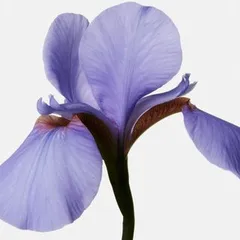
  • Reframe. 1:1, 4:5, 9:16, 16:9 or any ratio. Instant.
  • Develop. Extends the image past its edges.
  • Enhance. Upscales with high fidelity, up to 24 megapixels.
Hypracolor
Develop
BeforeAfter
Enhance

Motion

Stills, set in motion.
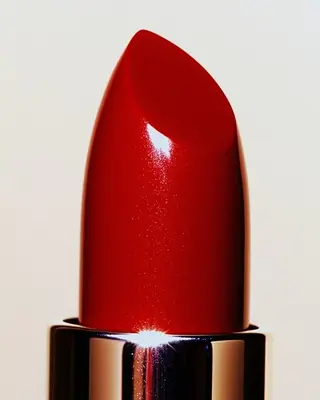
Pick a template, keep your images, export a loop.

How it works
  • Open to every member. Export up to 4K on Pro and Enterprise; in 720p with a watermark on Personal.
  • Over 140 templates. Sorted by the gesture they make.
  • Your media. Images, clips and GIFs in one composition.
  • Ready to post. Export a clean loop as MP4 or WebM.
  • Stays on your device. Imported files are never uploaded.

A simplified preview of Motion

Template

Settings

Direction

Video editing, right in the app.

Drop your clips on the timeline, cut, fade and export.

How it works
  • Drop your clips. From your library or your computer, straight onto the timeline.
  • Split and trim. Blade, trim, copy and paste, with the shortcuts you already know.
  • Cut or fade. Each cut is a straight cut or a fade through black.
  • One timeline. Video, titles and two music tracks, exported in the format you choose.

More

And everything around it.

An assistant, a library and teams.

How it works
  • Arpy, in the app. Describe a brief in your own words; Arpy builds a moodboard from the library and says why each image fits.
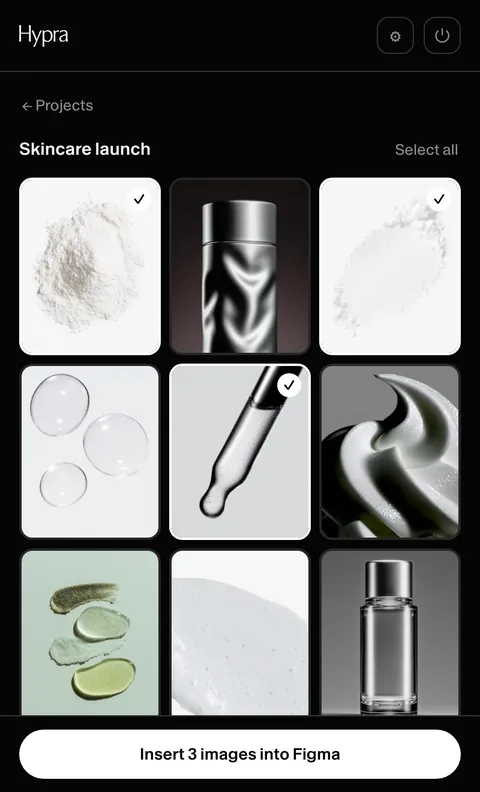
  • Figma extension, coming soon. Your saved projects, inserted into Figma in full resolution.
  • Library. Keep your images, files and edits in one place, and share them with your team.
  • Teams. Invite your team; one price per user.

Coming soon

Hypra in Figma. Coming soon: your projects, straight onto the canvas.

Arpy. Builds a moodboard from your brief, finds the images, answers in your language.

Library. Keep your selections, share them with the team.

Teams. One price per user, one shared library.

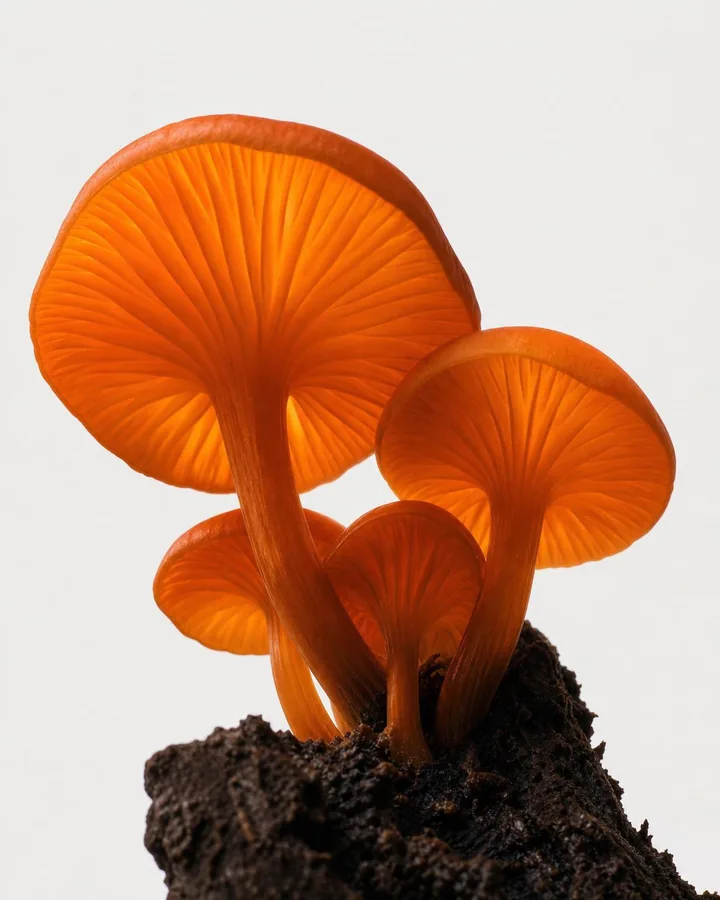
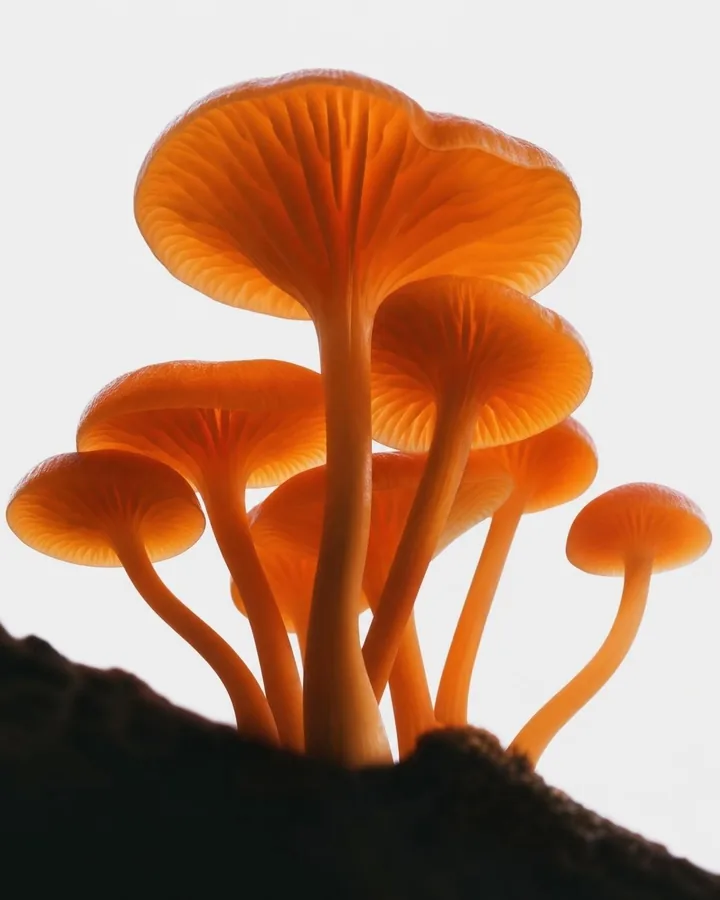
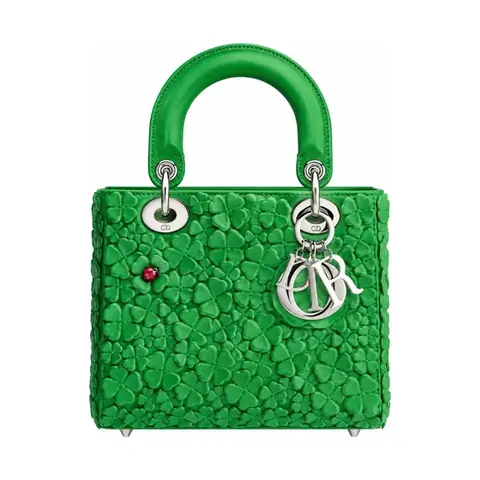
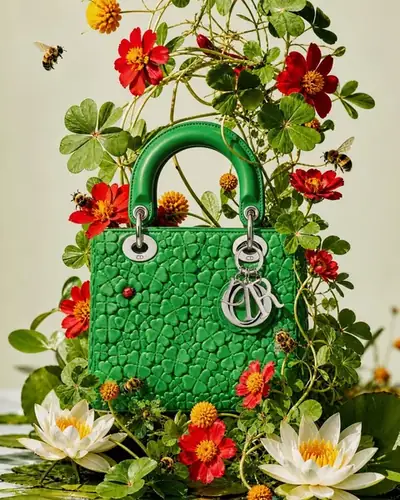
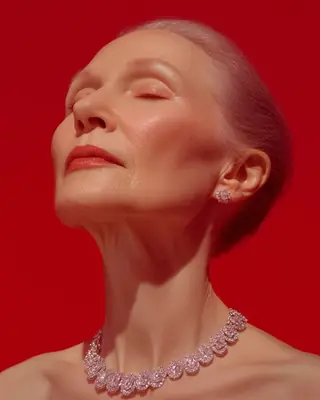
Three ingredients, one image: your style, your prompt and your subject, generated on Hypra Vision.

This is Hypra Vision.

Now you’re in control.

Hypra fills the gap

Until now, there was nothing between low-effort and high-end. Most brands can’t afford full creative teams and don’t want generic AI or tired stock. Hypra is the creative in-between: curated, next-gen visuals and the tools to shape them, to express, pitch, and build fast. Not a replacement for talent, but a bridge toward better work. It helps you move forward with clarity, until you're ready to go further.

A full studio, for the price of a membership.

What it takes to make your brand's content, with and without Hypra.

Without Hypra

  • $5,000+ a campaign: shoot, retouching, edit*

  • A photographer, retoucher, editor, motion designer

  • A set, a crew and a shoot day for every product

  • Generic stock and licences to check

  • Motion and edits booked weeks ahead

With Hypra

  • One membership, from $9 a monthOne membership, from $9/month

  • Your studio, ready to work: five tools, one place

  • Your product, in any photoshoot, in minutes

  • Curated images, fitted to your brand in a click

  • Loops, and films edited in the app

*Estimate for one small campaign with freelance rates in 2025: a day of product photography, retouching, a short motion piece and a video edit. Actual costs vary with the brand, the city and the scale of production.

Hypra Studio: Collection, Vision, Edition, Motion and Direction. From $9 a month.